
Connect Smarter, Share Faster




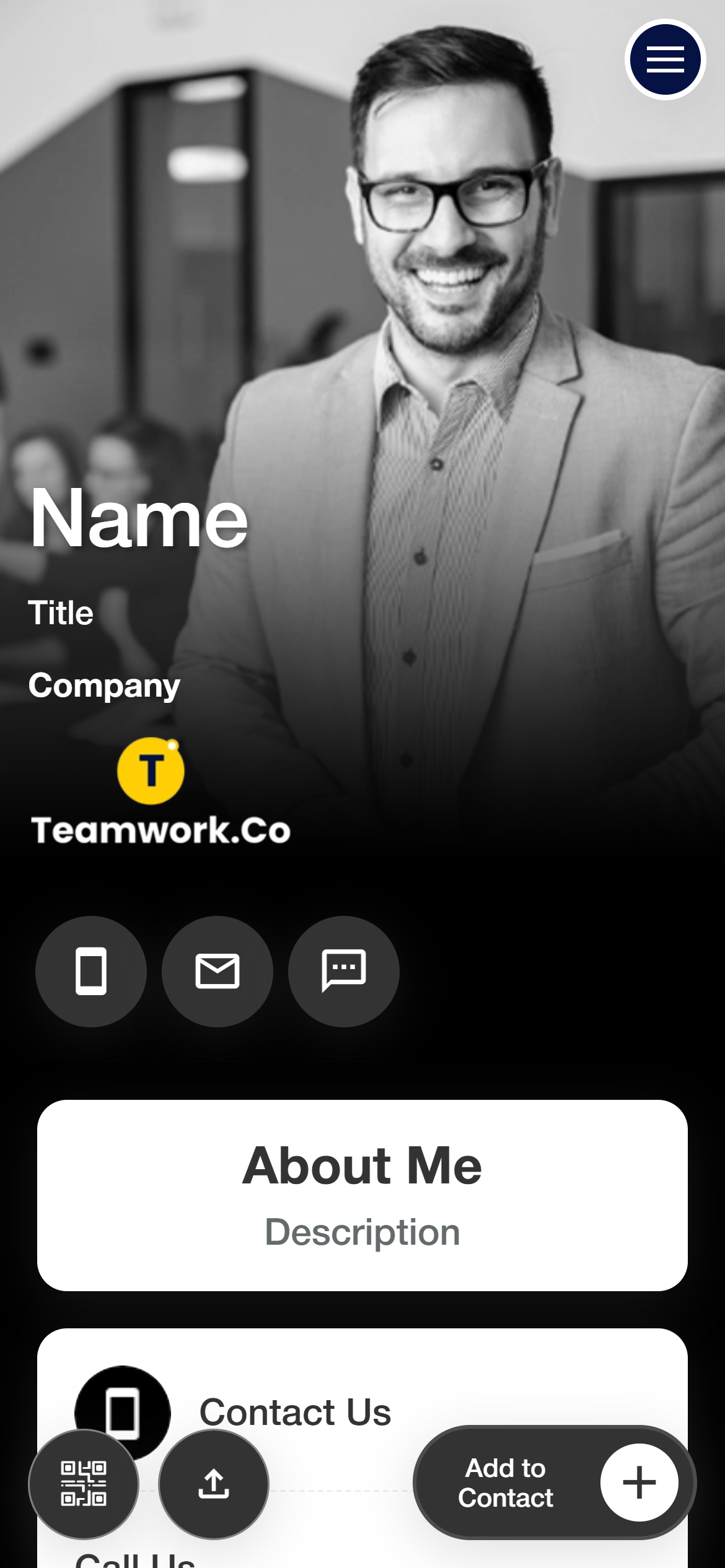
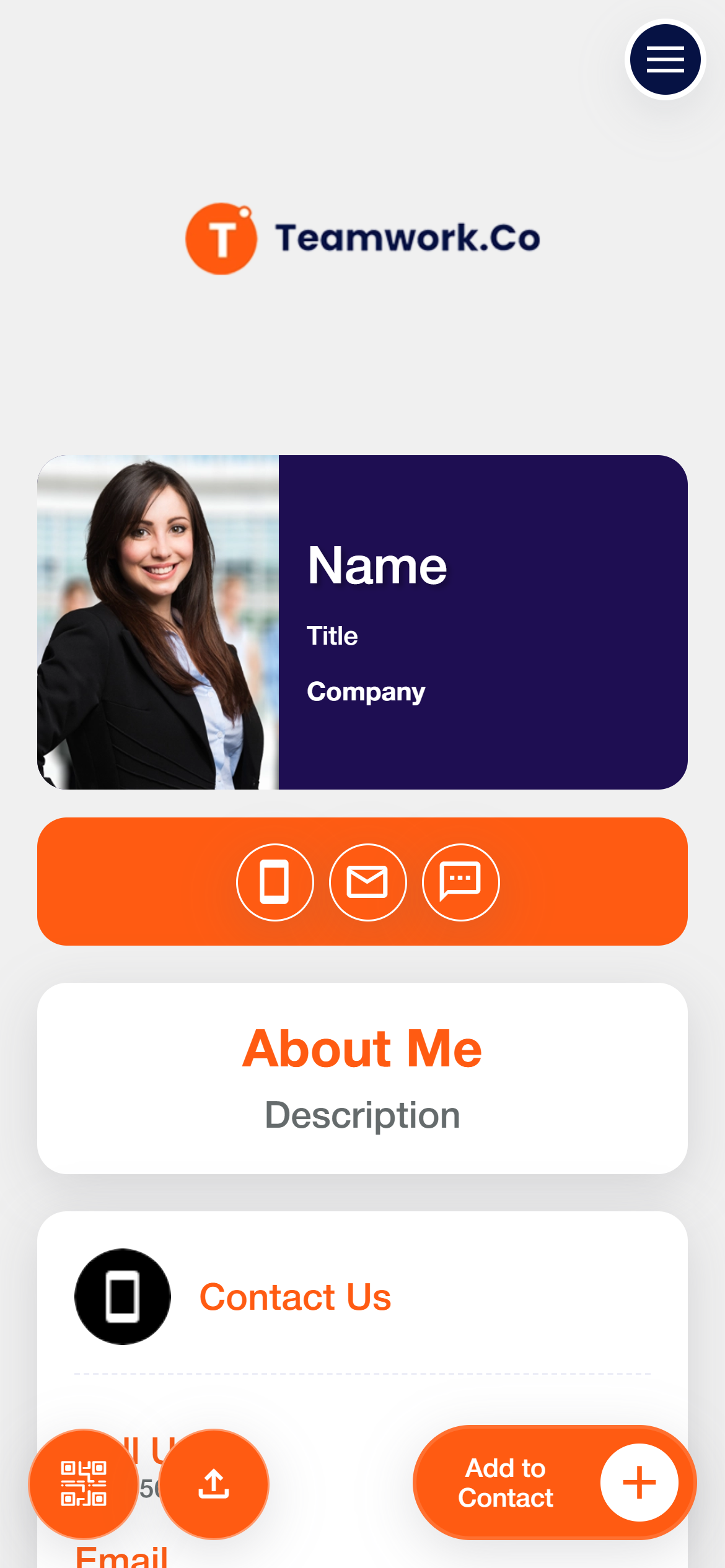

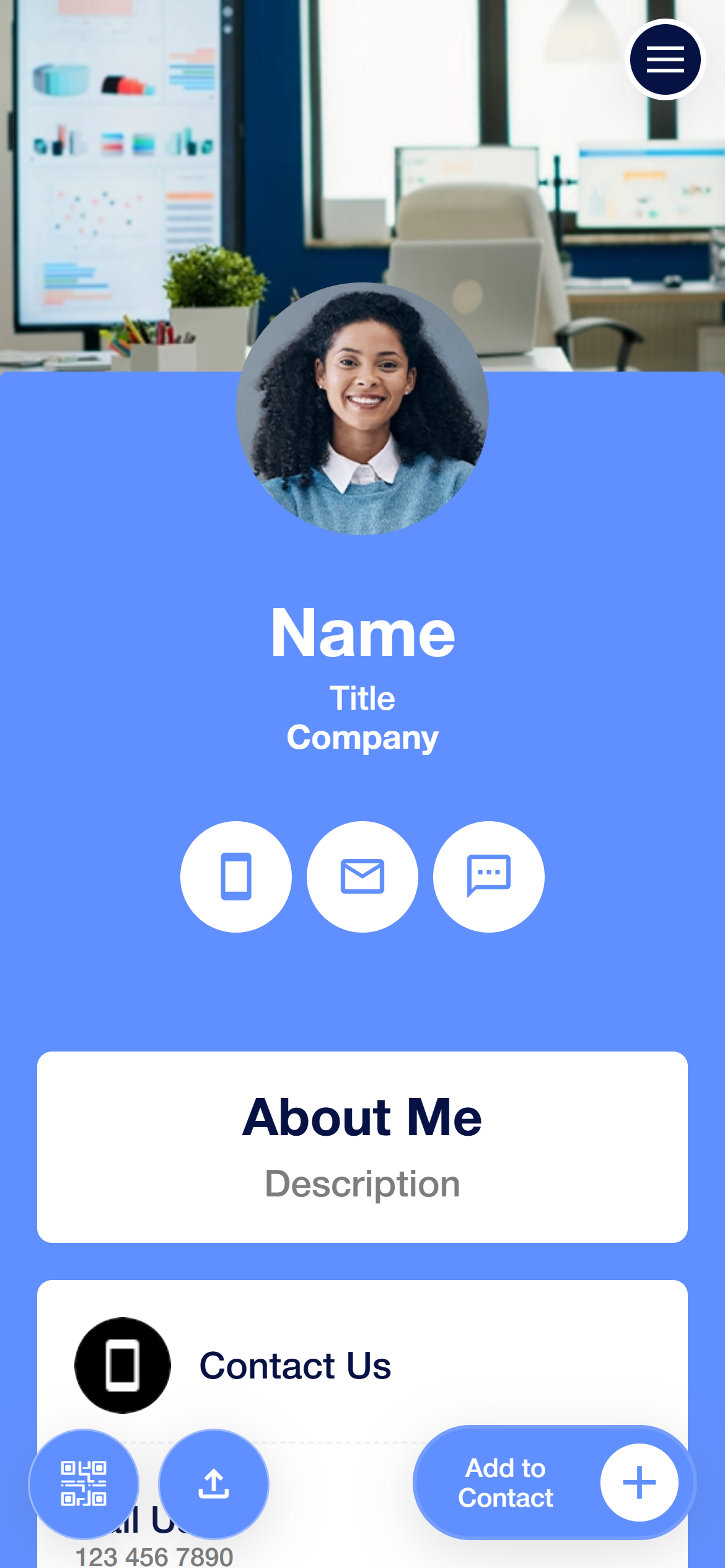
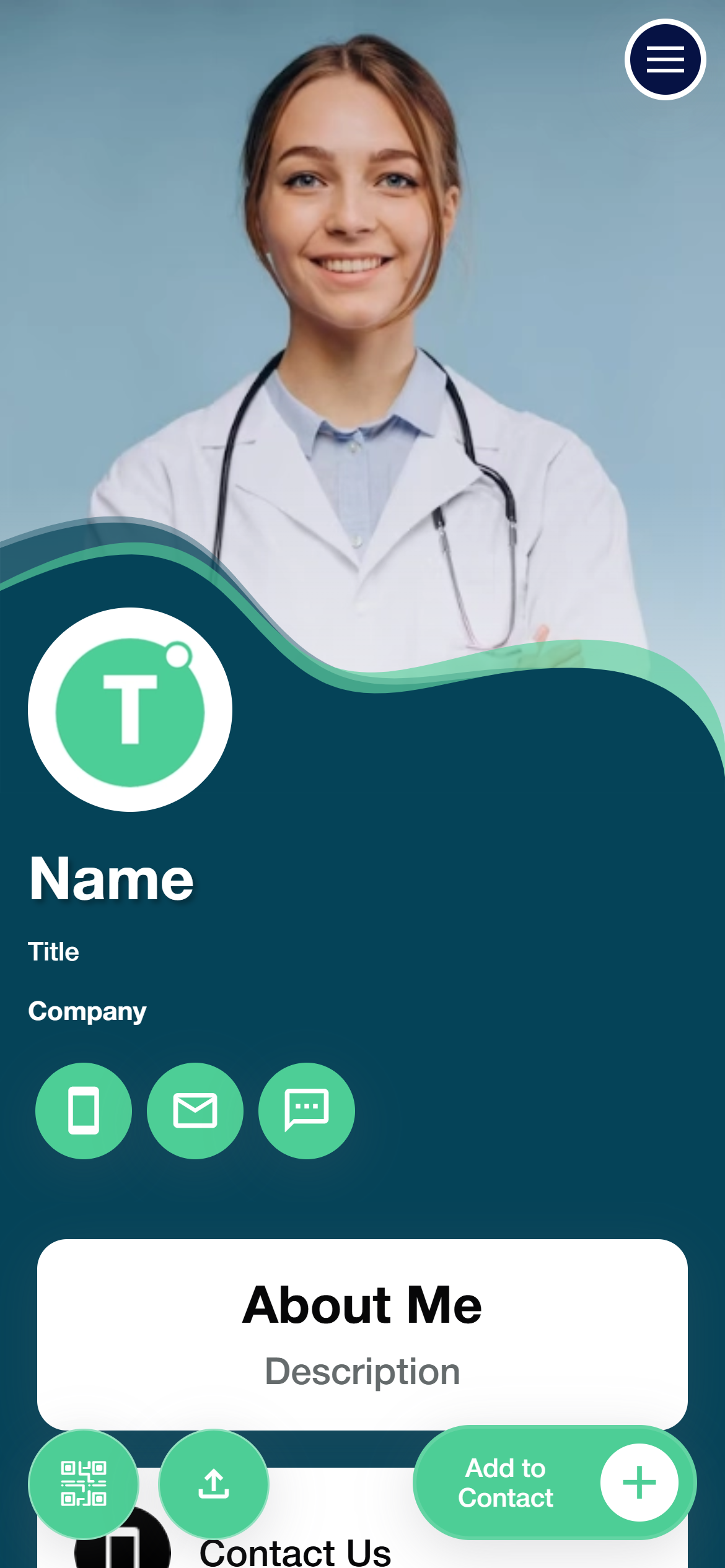
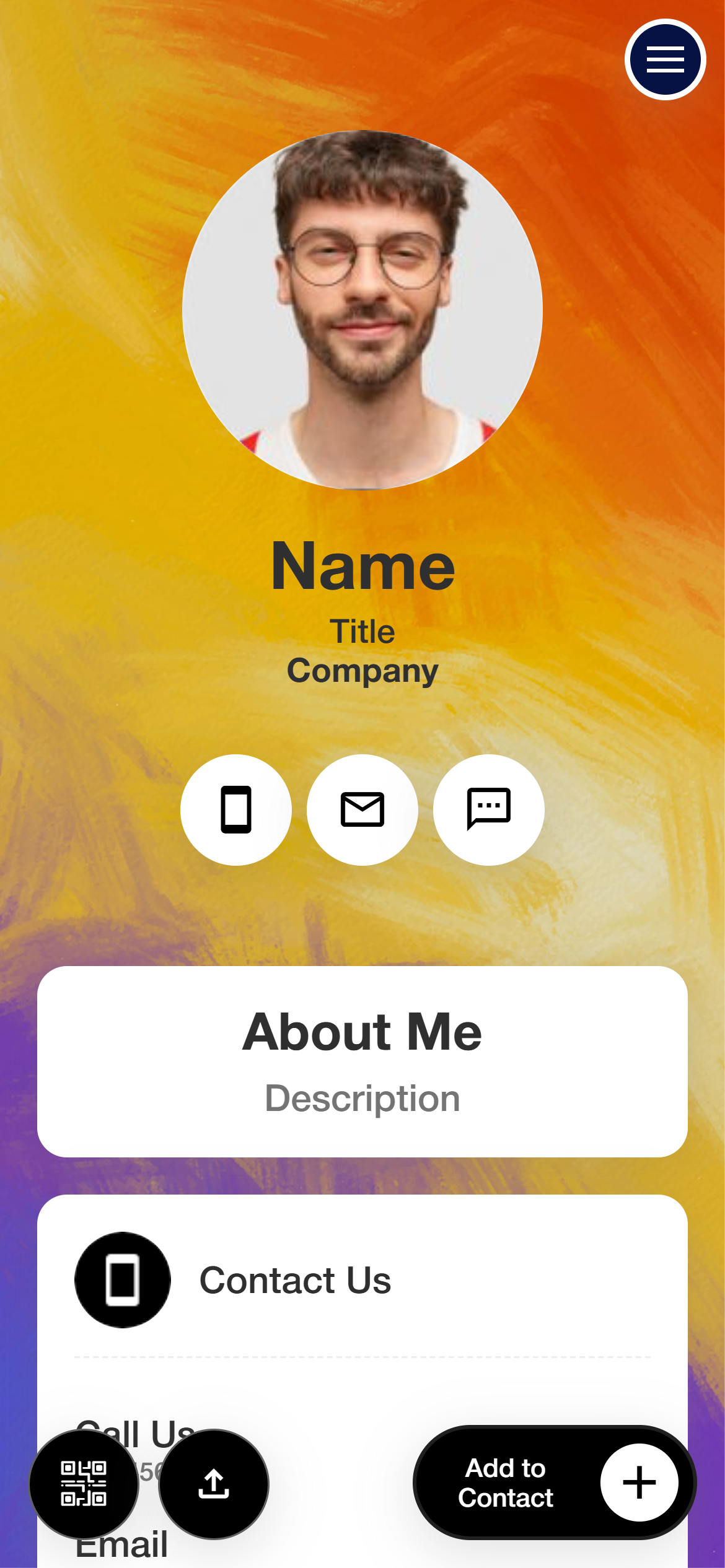


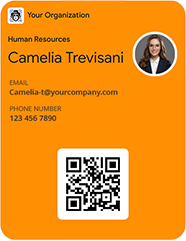
Create a personalized profile page featuring high-resolution image, name, contact details, and business address.
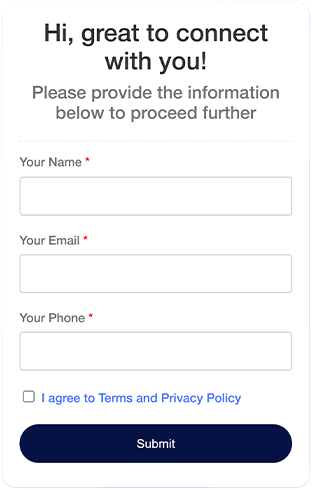
Expand your network with two-way-contact exchange. Also, include customizable forms to gather leads, inquiries, or feedback.

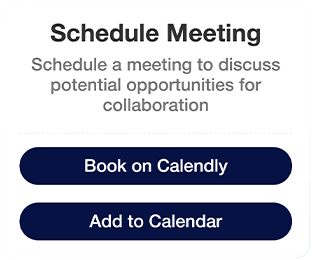
Add an appointment scheduling link to your CoCo Card, enabling clients to check your availability and book meeting effortlessly.
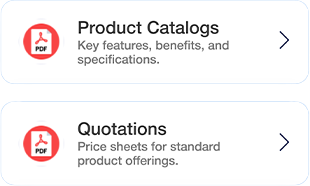
Turn your CoCo Card into a branded ad by adding documents like portfolios, user guides, or catalogs, accessible via the built-in QR code.

Create a personalized profile page featuring high-resolution image, name, contact details, and business address.
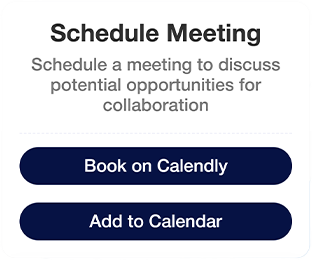
Add an appointment scheduling link to your CoCo Card, enabling clients to check your availability and book meeting effortlessly.
Expand your network with two-way-contact exchange. Also, include customizable forms to gather leads, inquiries, or feedback.
Turn your CoCo Card into a branded ad by adding documents like portfolios, user guides, or catalogs, accessible via the built-in QR code.

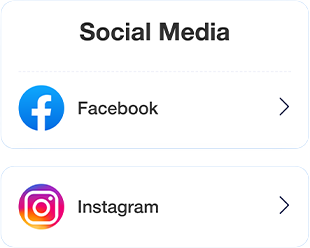
Connect prospects to your online presence by linking social media profiles, landing pages, or digital content for deeper engagement.


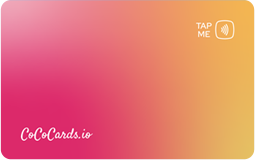

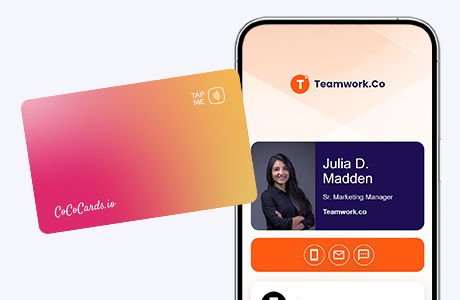
Tap the card on a smartphone to instantly share your contact details.
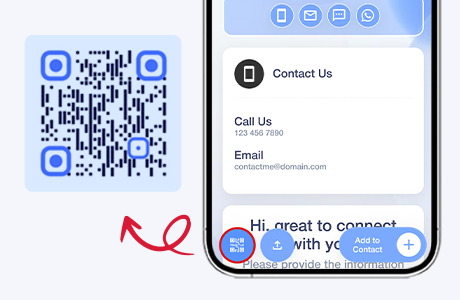
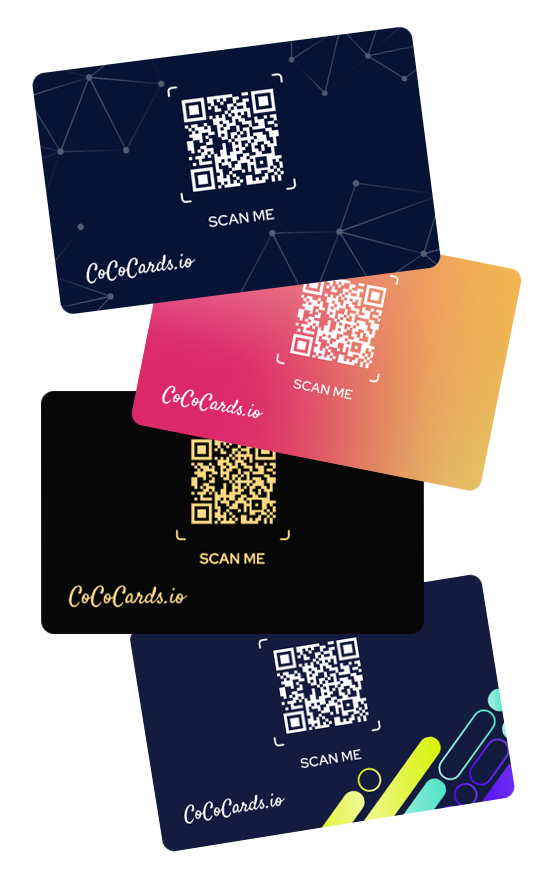
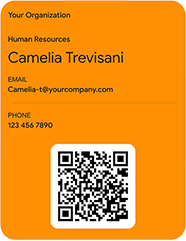
Let your contacts quickly access and save details by scanning the QR codes on your NFC card and digital profile.
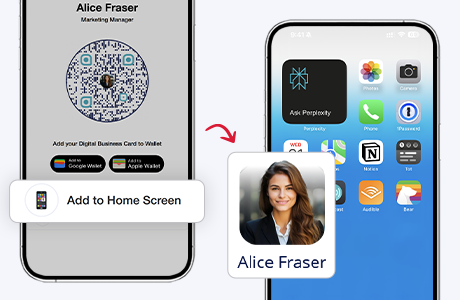
Integrate the QR code with your smartphone’s home screen for quick networking.
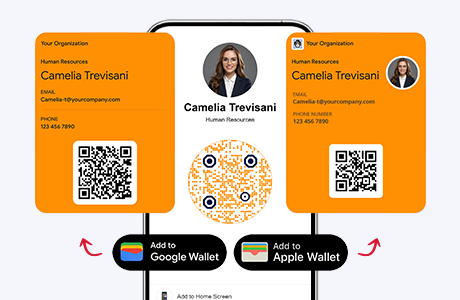
Share your contact details on the go through Apple or Google Wallet
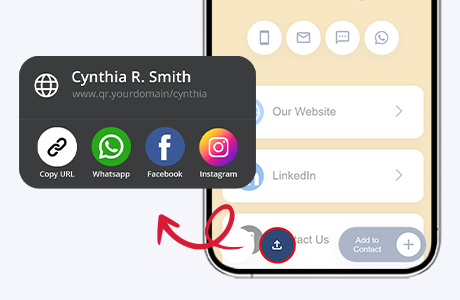
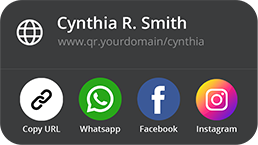
Share the unique URL of your CoCo Card via messaging apps, websites, emails, or your smartphone’s direct sharing method.
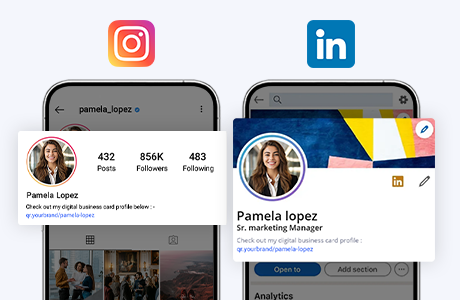
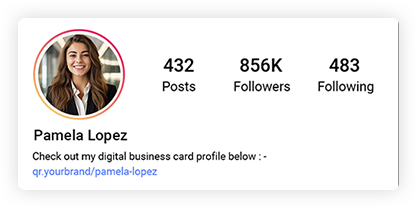
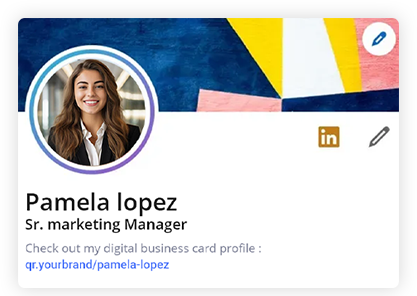
Link the URL of your CoCo Card to your social media profiles for seamless networking.
Connect Smarter, Share Faster
Copyright © 2025 CoCoCards.io Technologies. All rights reserved.


Social Media Integration
Connect prospects to your online presence by linking social media profiles, landing pages, or digital content for deeper engagement.